Posts

Showing posts with the label cwm

XIAOMI MI3 CWM

Image
XIAOMI MI3 CWM ClockworkMod recovery is a special boot mode by Koushik Dutta that gives access to administrative functions, such as installing the base firmware (ROM), making backups, and performing a factory reset. . This Recovery have this Features: install zip from  sdcard   or sideload into system1 or system2 backup system1 and system2 individual or together into one package much choices of where you want to restore backups to mount   and format system1 or system2 fix permissions on system1 or system2 set bootmode to system1 or system2 automatically checks for install-recovery.sh on both systems and asks you if you want to delete them TrueDualBoot TrueDualBoot notes: Enabling or disabling TDB will completely wipe your data-partition. Once enabled your data partition will be VIRTUALLY split which means that both systems together can use the full space of the data-partition. There are some things which will break TDB: everything which removes CWM(like Xiaomi Updater App...
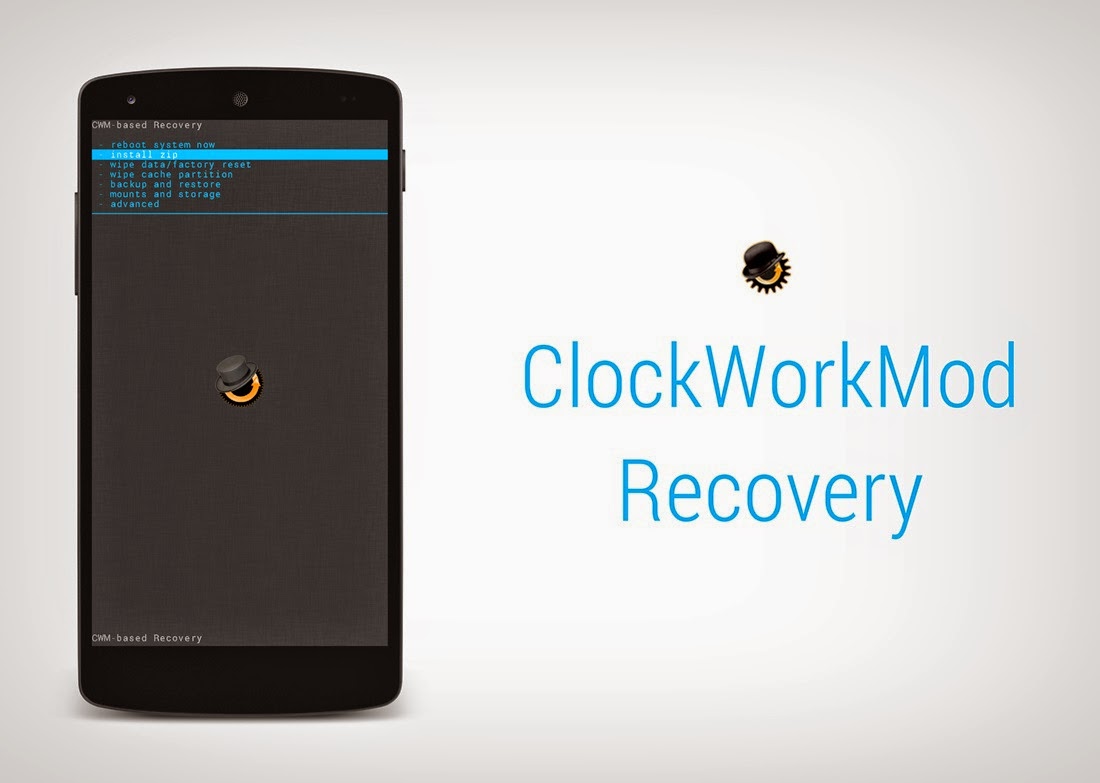
Apa itu CWM ClockWorkMod pada Android

Image
Apa itu CWM ClockWorkMod pada Android       Setelah kemarin kita membahas Apa itu Root Beserta Kelebihan dan Kekurangannya , sekarang kita akan membahas apa itu yang namanya CWM atau ClockWorkMod. Kenapa sih habis root kita perlu menginstal CWM ? Kalo di ibaratkan ya kayak Makan tapi belum pake nasi, masih belum puas rasanya, wkwkw bikin laper aja :v       Nah CWM itu sebenarnya adalah Recovery Mode bawaan android yang udah di modif atau di modding. Fungsinya yaitu untuk menginstal berbagai kostumisasi yang berhubungan dengan sistem android seperti menginstal Custom ROM, mengubah font, menambahkan tweak, menginstal aplikasi langsung ke sistem. CWM juga dapat digunakan untuk mereset android dan membackup ROM original untuk jaga2 jika hp kita bootloop, dan fitur -fitur lainnya.       Cara menginstal CWM berbeda-beda tergantung tipe android dan tipe hp-nya apa. Menginstal CWM di Smartfren Andromax tentu berbeda dengan menginstal CWM di...

Tutorial Instal Cwm Oppo N1 Mini Tanpa PC

Tutorial Instal Cwm Oppo N1 Mini Tanpa PC Tutorial Instal Cwm Oppo N1 Mini Tanpa PC - Untuk para pengguna ponsel oppo N1 mini ada info terbaru bagi anda setelah sebelumnya kami telah post cara root oppo n1 mini maka kali ini kita akan share cara pasang cwm oppo N1 Mini tanpa PC  dan berikut ini cara pasang cwm oppo n1 mini sebagai berikut. Download recovery https://docs.google.com/file/d/0B9FhjB1UQaITSjd1b3NRTXYxZms/edit downoad flash recovery via playstore aktifkan usb debugging pastikan ponsel anda sudah di root kalau belum baca cara root oppo n1 mini buka aplikasi flash recovery pilih flash recovery masukan file yang tadi di download selesai Demikian tadi cara pasang cwm recovery untuk Oppo N1 Tanpa Pc semoga anda bisa memahami tutorial ini semoga anda berhasil dengan tutorial dari blog ini silahkan download file now

How to Install CWM TWRP Lenovo A369i Without a PC

Image
How to Install CWM TWRP Lenovo A369i Without a PC Android Zone - hello buddy here Android Zone will share about How to Install CWM / TWRP Lenovo A369i Without a PC and before that I advise you to backup your data and I am not responsible if the mobile phone is in trouble. How to Install CWM / TWRP Lenovo A369i Without a PC How to Install CWM / TWRP Lenovo A369i Without a PC : Download TWRP for Lenovo A396i. then save on the SD card . Download rashr tool / recovery tools in PlayStore. then install.   Open the tool rashr application that was downloaded. Usually for the first time will display a warning for backups (recommended to perform backups) . Click the Flash recovery, it would appear the flash options. Choose Other from storage.   Find TWRP file that is already stored on the SD card, then select the file.   Furthermore, a warning will appear again. select aja yes, please. then reboot.   If a step is done correctly, then after reboot will appear TWRP. Okay so ma...

CWM Clockworkmod Recovery for Scopad Twister SP0735

Image
CWM Clockworkmod Recovery for Scopad Twister SP0735 Commandos 2 Beyond the Call of Duty  ends up feeling like a shadow of its former self, being both shorter and more frustrating than the original.  Just about every good game gets an expansion pack or a sequel, not just because it�s profitable, but because it�s easy. The good idea�s already there, and the existing technology can be recycled to make a game that feels comfortably familiar but with new and exciting content. Recent expansion packs like Starcraft: Brood War, as well as sequels like Myth II and Fallout 2, all bettered their predecessors. But Commandos: Beyond the Call of Duty, a  standalone expansion  to Behind Enemy Lines, ends up feeling like a shadow of its former self, being both shorter and more frustrating than the original. The original Commandos was a surprise hit. It cleverly combined strategy, puzzle , and action elements with great graphics and an all-too-apt subject matter, and while there was ...